
- 1
Catalog
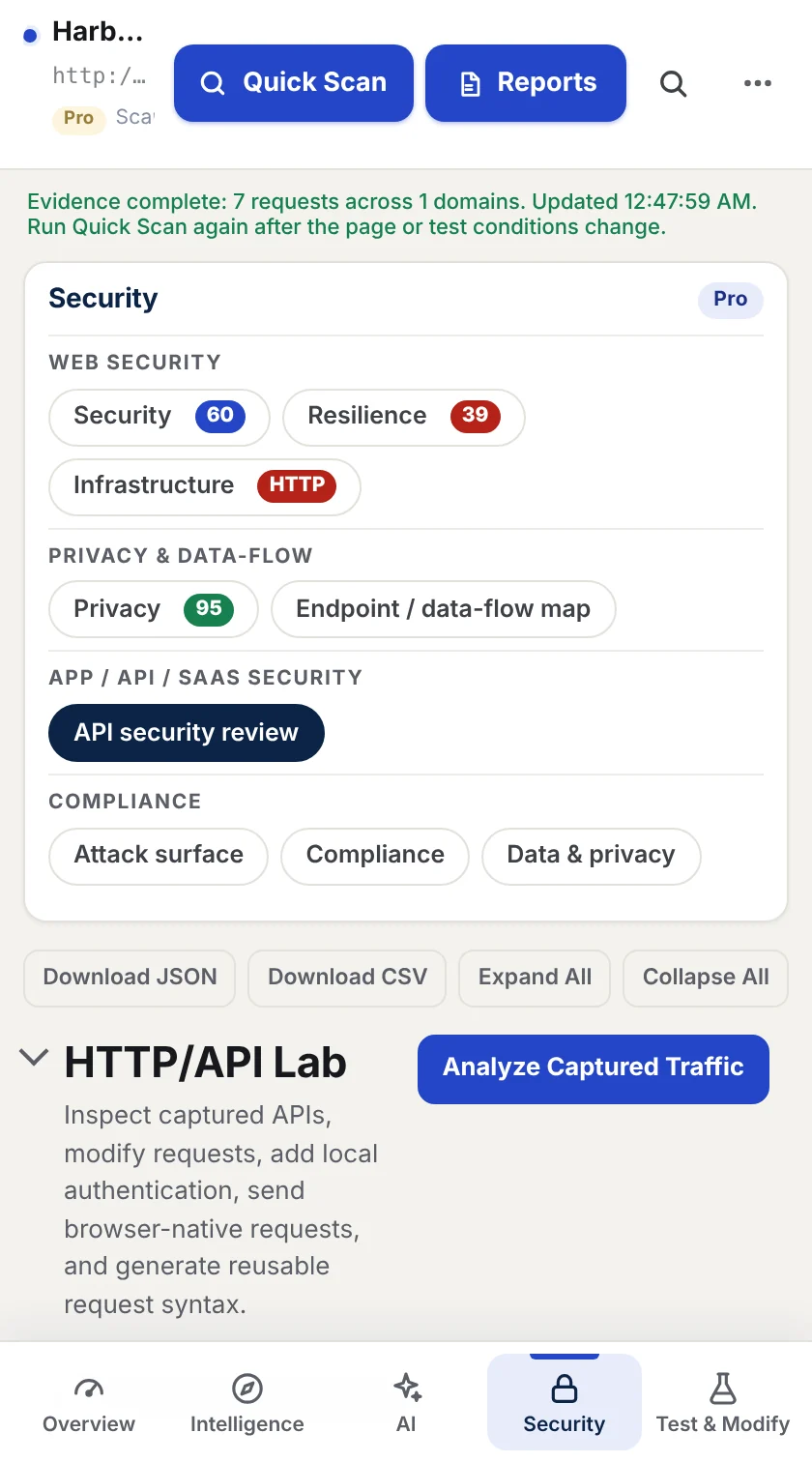
Go to Test & Modify → HTTP/API Lab and click Analyze Captured Traffic. The Endpoint Catalog lists every API call from the scan; download it as JSON or CSV.
- 2
Build a request
In cURL & Syntax Builder, set method, URL, headers, body and authentication. Generate produces cURL (and other syntaxes); Mask secrets hides tokens. Send Request runs it and shows status, time and response.
- 3
Copy it safely
Copy sanitized copies the request with tokens and cookies masked, ready to paste into a ticket. Copy full request copies everything, after asking you to confirm.
- 4
Save it
Save Snippet keeps it under Saved Snippets, encrypted on your device.