
Find your way around
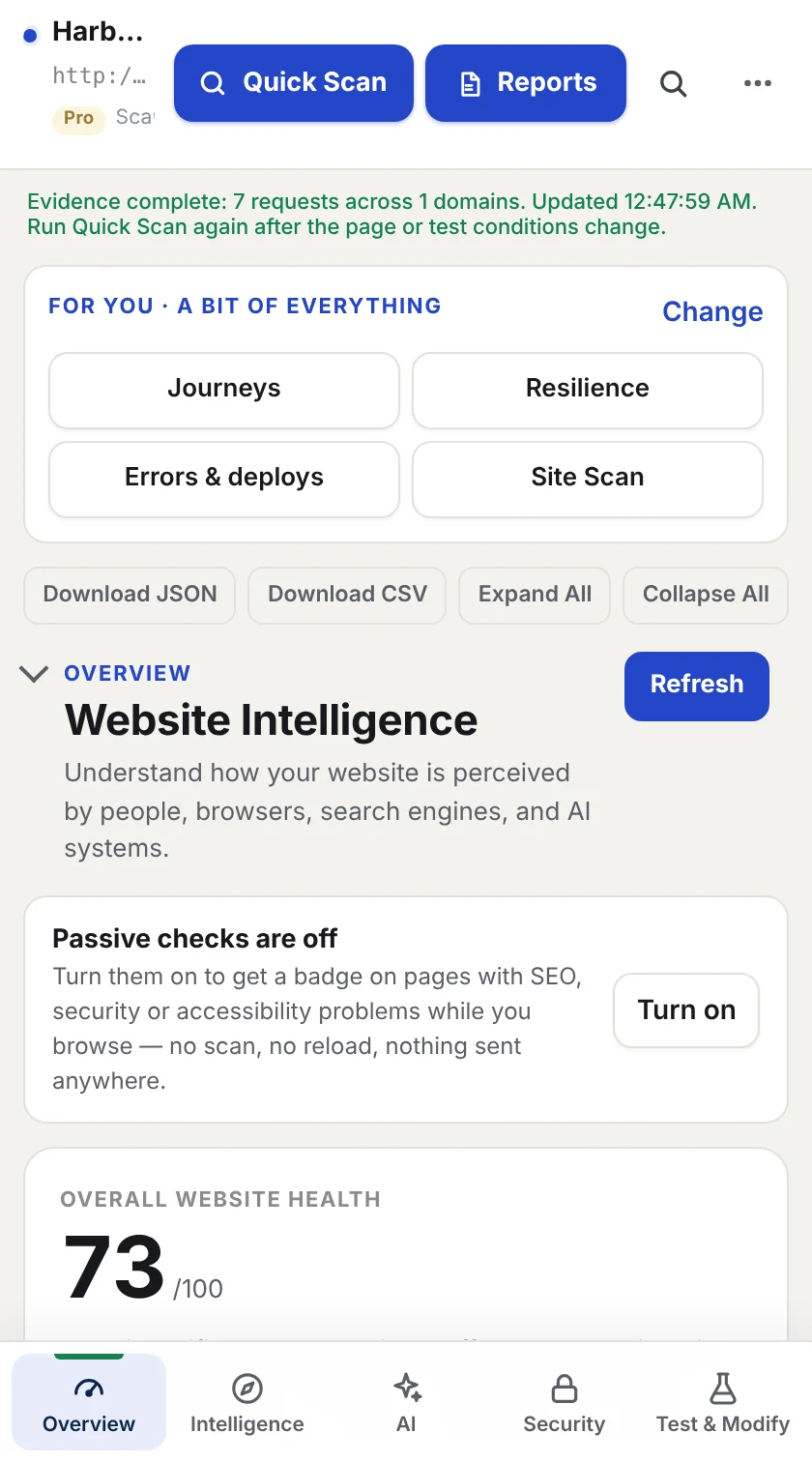
EPIC puts everything into five areas along the bottom of the panel, with search when you know what you want.
- 1
The five areas
Along the bottom of the panel: Overview (your scores, free), Intelligence (what the page is made of and how it is seen — SEO, marketing, network, performance and APIs), AI (AI readiness and what AI assistants and agents see), Security (transport, headers, CORS, cookies, privacy and compliance) and Test & Modify (scans, crawls, journeys, live request testing, history, alerts and reports).
- 2
Pick a section
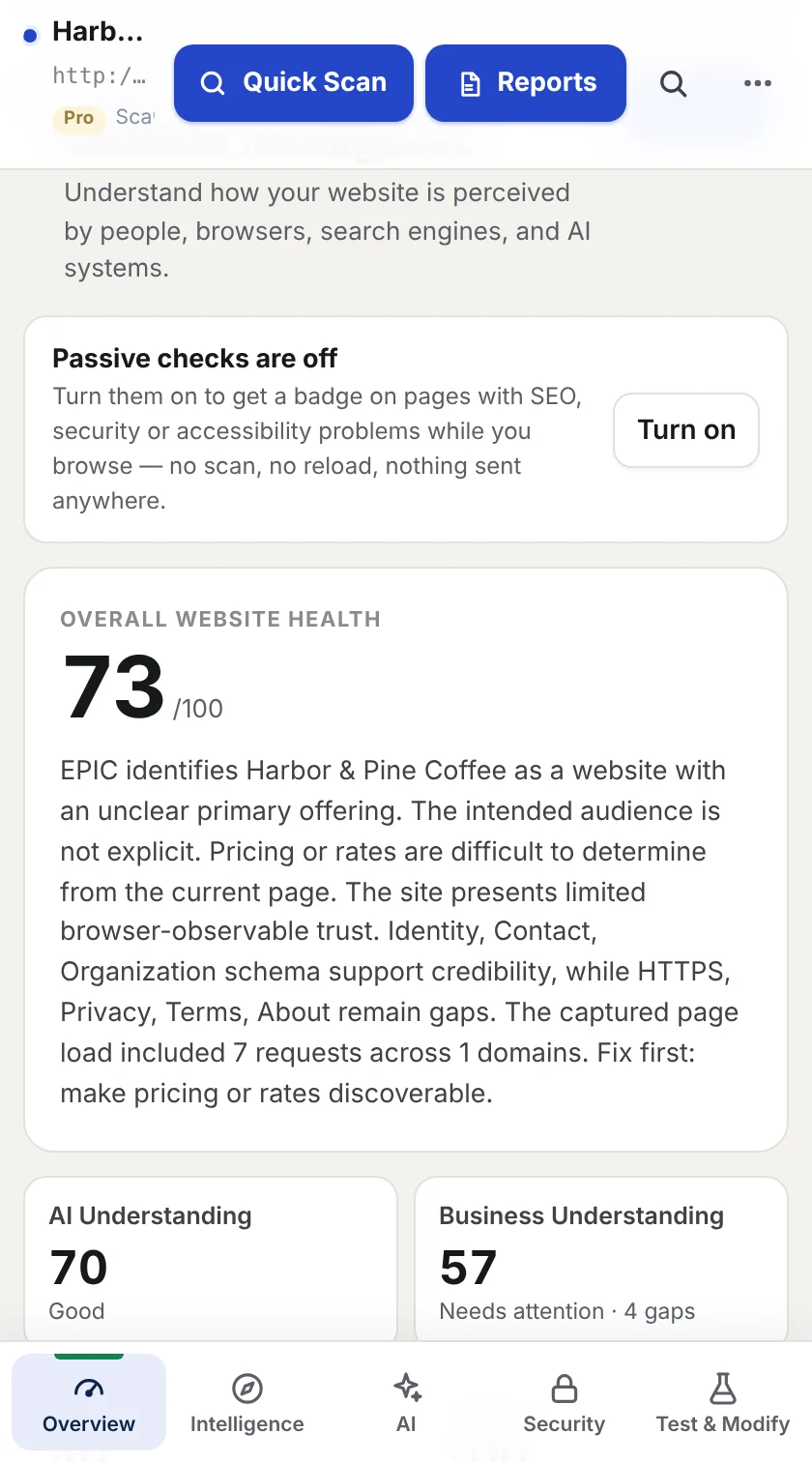
Each area shows its sections as chips at the top, with a badge for the plan it belongs to. Click a chip to open that section. EPIC remembers the last section you used in each area.
- 3
Search
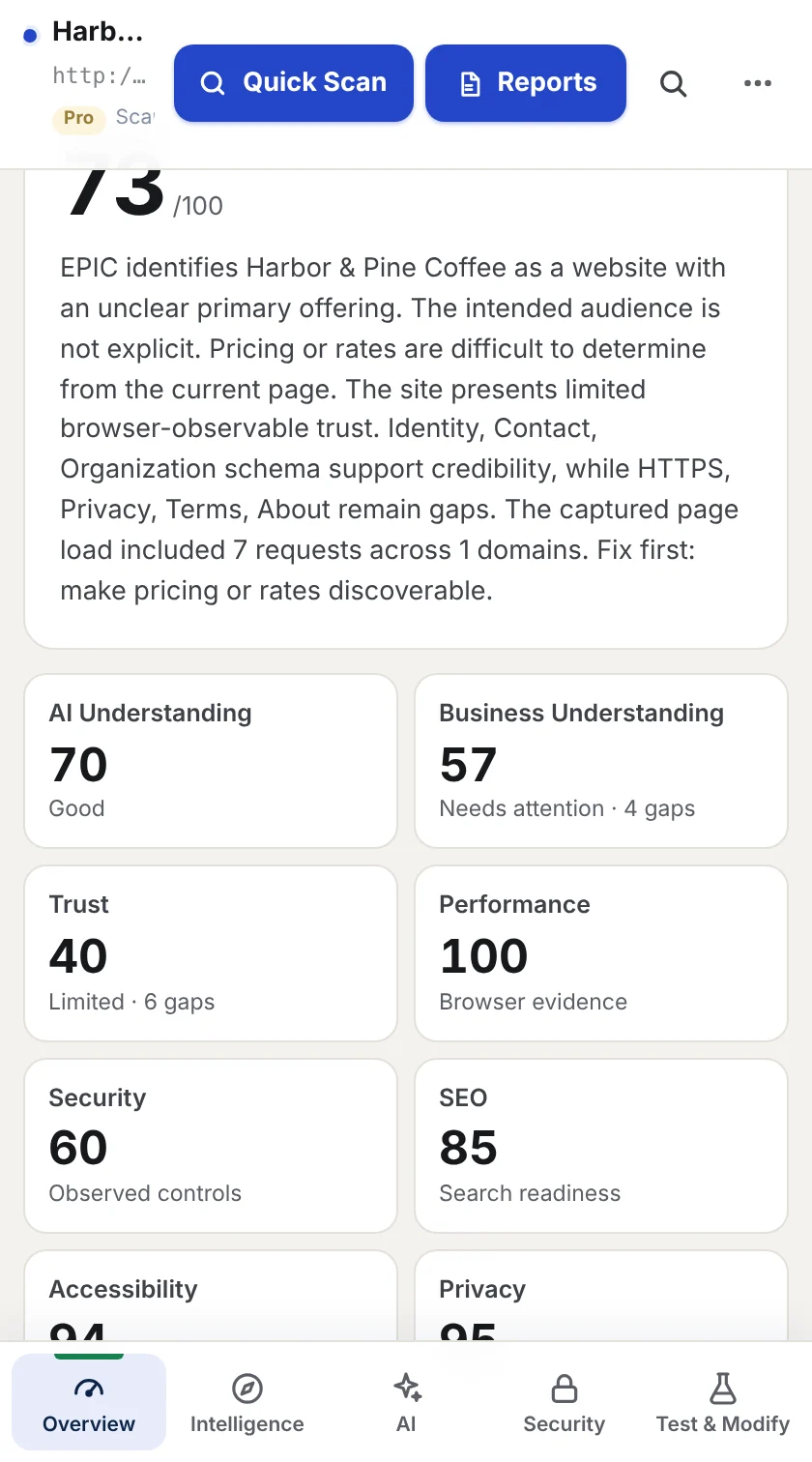
Press / or Ctrl+K (or click the magnifier) and type what you need, such as DMARC, HAR or budget. Use the arrow keys and Enter to jump straight there. Esc closes the search.
- The navigation works from the keyboard: Tab moves between areas and chips, Enter opens them.
- Updating keeps your license, saved websites, history, rules, snippets and settings.